Position
Pointer's Position
Pointer's position refers to the position of mouse pointer, which can be expressed by the values of X-axis, Y-axis, and Z-axis.
As the figure shows, the white-framed area with the crosshair is the pointer's position.
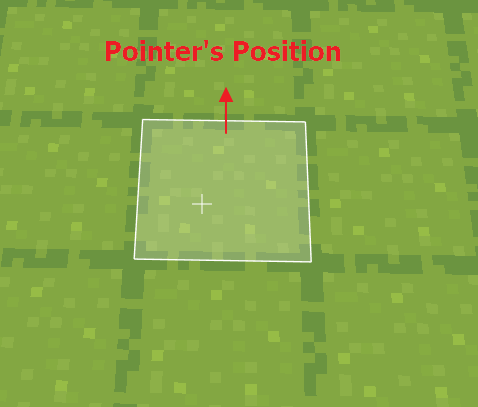
Please note: the pointer's position does not refer to a surface, but the central point of the pointed cube.
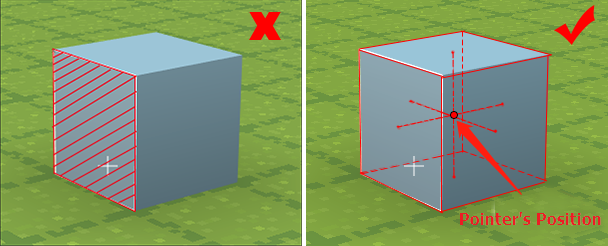
- You can press Ctrl+F3 to check the coordinates of pointer's position.

pointer's adjacent position
- Coordinates of the pointer's adjacent position. Here the adjacent refers to the cube near the selected surface.
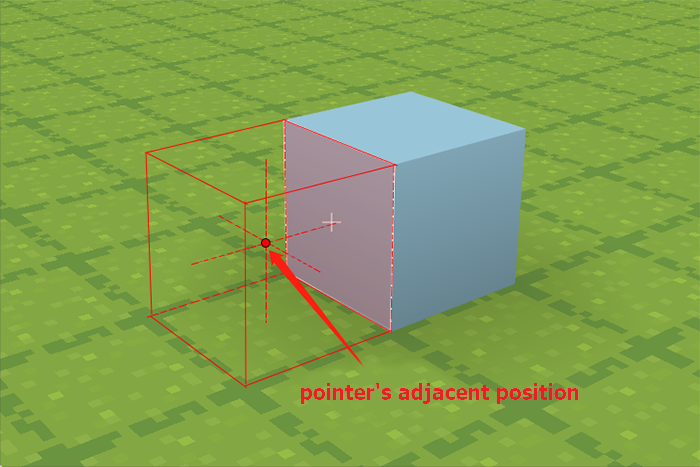
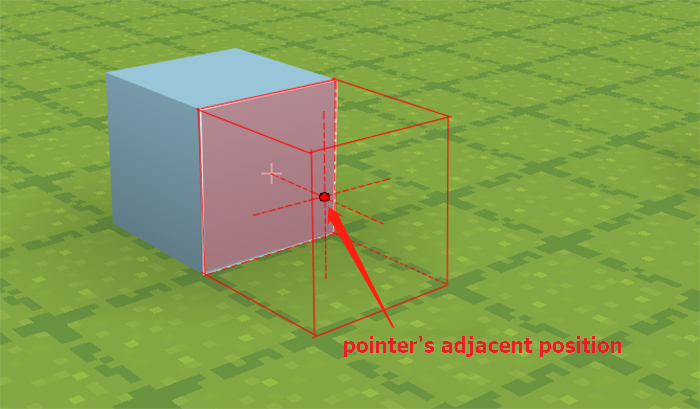
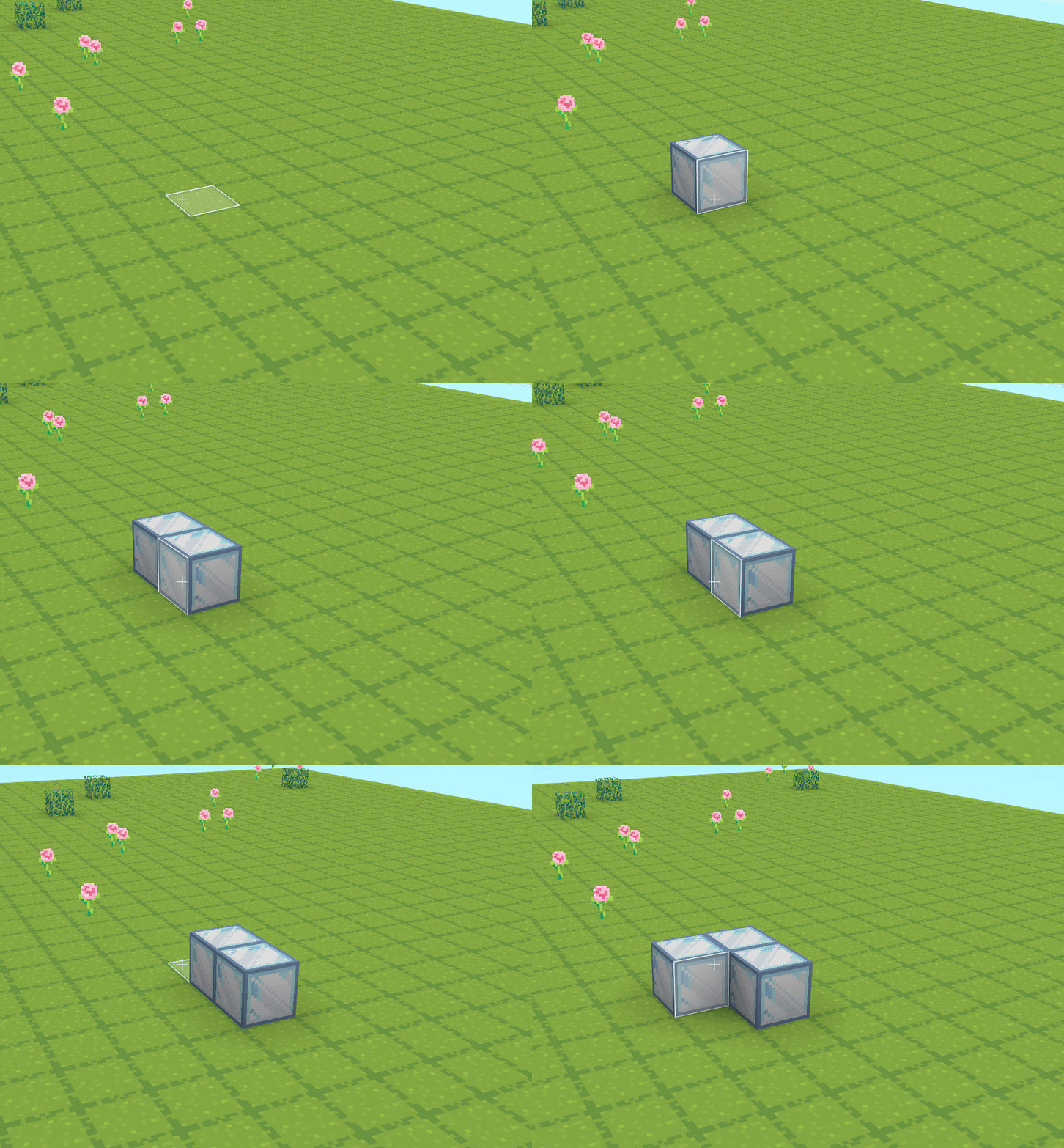
Differences between [pointer's position] and [pointer's adjacent position]:
- set cube at [pointer's position] as [cube [ice]]

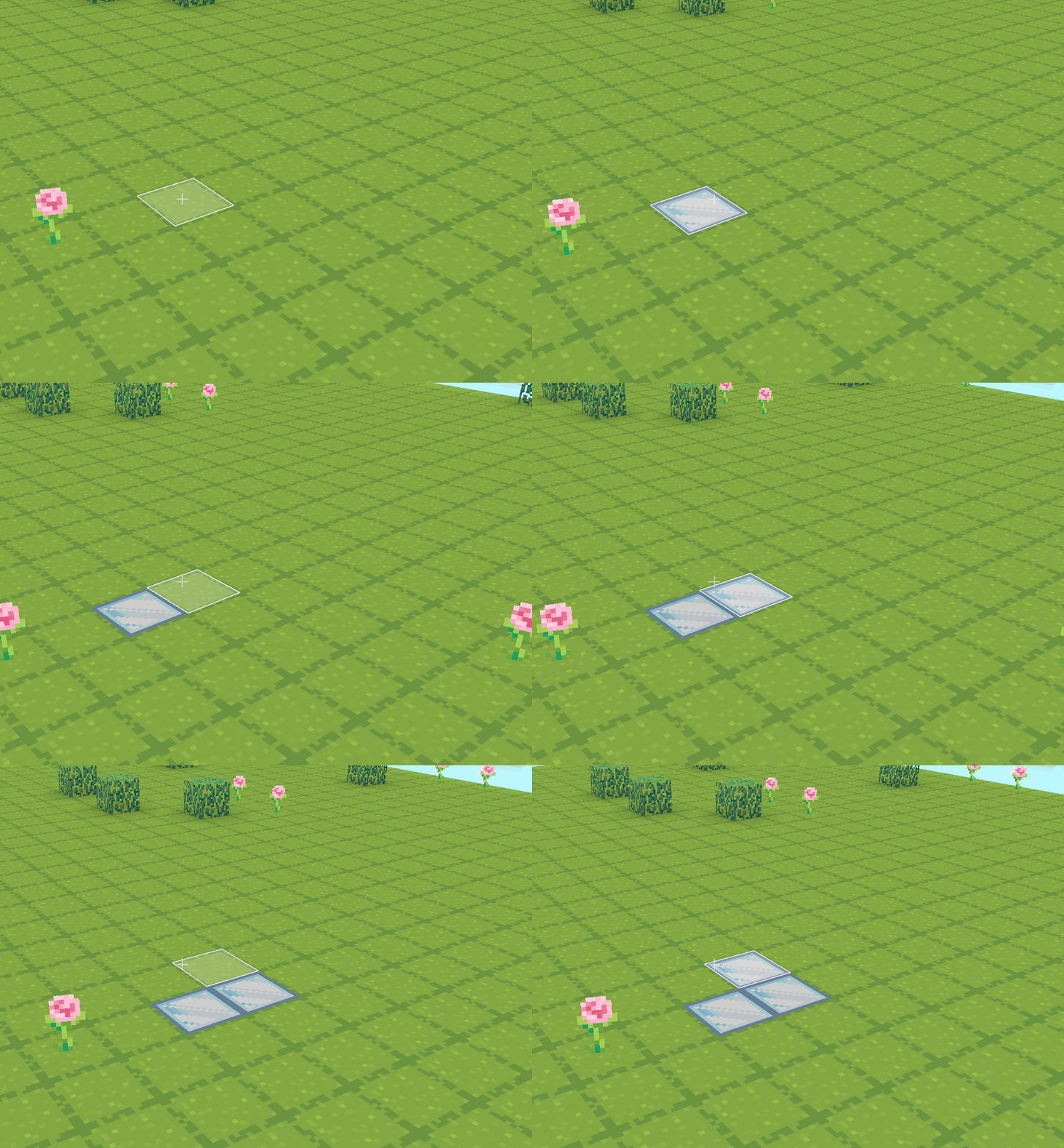
- set cube at [pointer's adjacent position] as cube [cube[ice]]

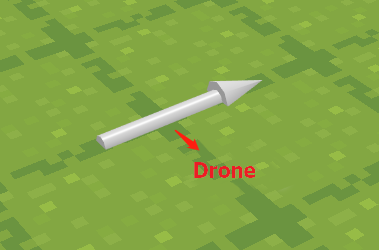
Drone
The drone contains both position (X, Y, Z) and direction (the facing point).
The drone's default position is infinite (X: 999, Y: 999, Z: 999). You can press F3 to check the drone's position at the top right corner.
You can move and rotate the drone with the related blocks.

player position
This refers to the position of the player (Codemao or Dan). The player's position is a set of unique X, Y, Z values.
Please note: the values of X, Y, Z of the player's position can be floating numbers, i.e, decimal numbers, while the position values of a cube must be integers.
You can check the player's current position by pressing Ctrl+F3 in the game.

entity's position
This refers to the position of the model created in 3D Builder. The values of the entity's position can be floating numbers, or decimals.
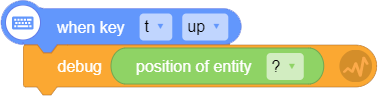
You should debug first to check the entity's position.