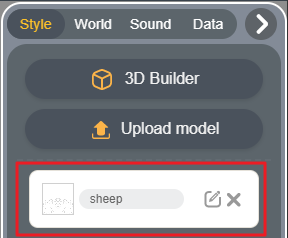
Create Model in 3D Builder
1. Step 1: click "+" on the top right of the Editor.

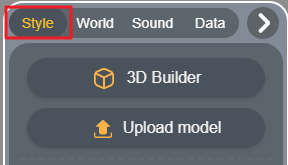
2. Step 2: click "Style".
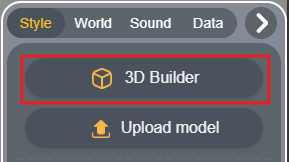
3. Step 3: click "3D Builder" or "Upload model".
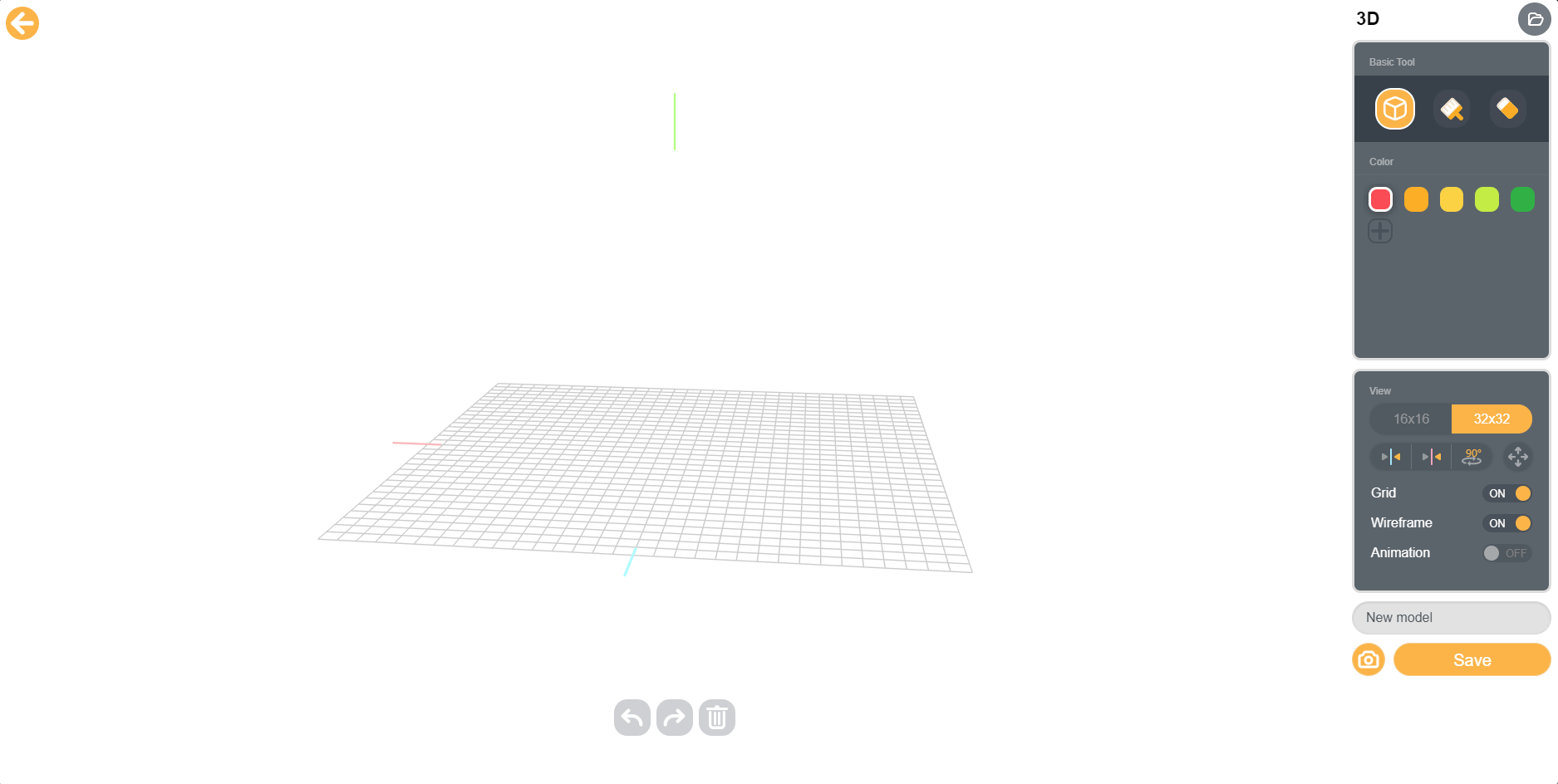
4. Step 4: Use building tool to create 3D model in the building area.
Please refer to 3D Builder Guides.
5. Step 5: Change the model name and save.
6. Step 6: Return to BOX.GAME Editor, and you can find the created model.