Create World
World: the size of the world in BOX.GAME is 64 x 64 x 64 cube units. Players can build and create their own world within this space.
Players can create a default 64 x 3 x 64 world made up of soil cubes and then build their own world on the basis of it.
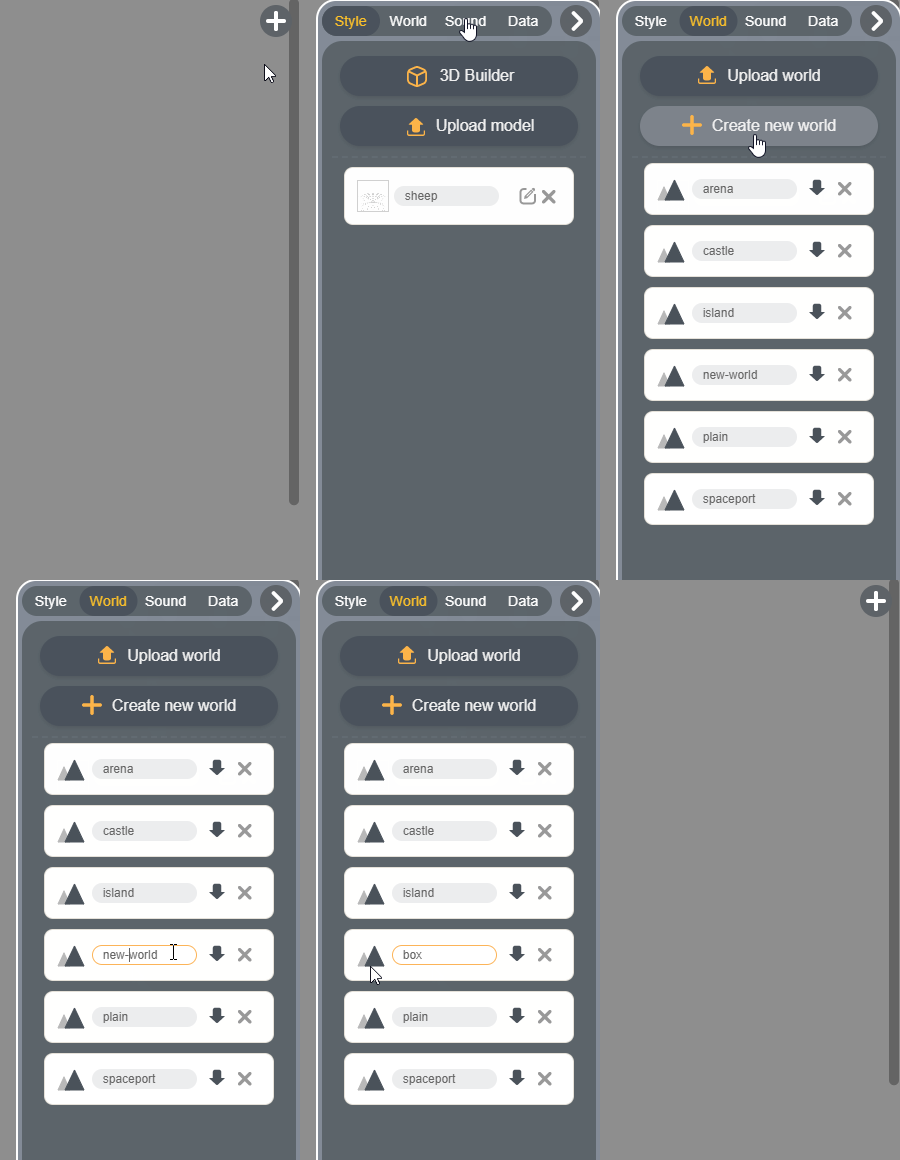
1. Step 1: click "+" on the top right of the Editor.

2. Step 2: click "World".
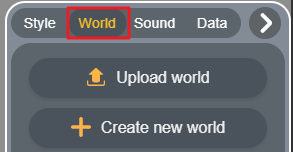
3. Step 3: click "Create new world" or "Upload world".
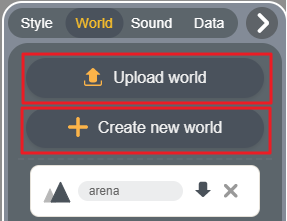
Upload world: players can upload created world in ".ter" or ".vox" format from the local.
Create new world: create a default 64 x 3 x 64 world made up of soil cubes. Players can build their own world on the basis of it.
4. Demonstration:
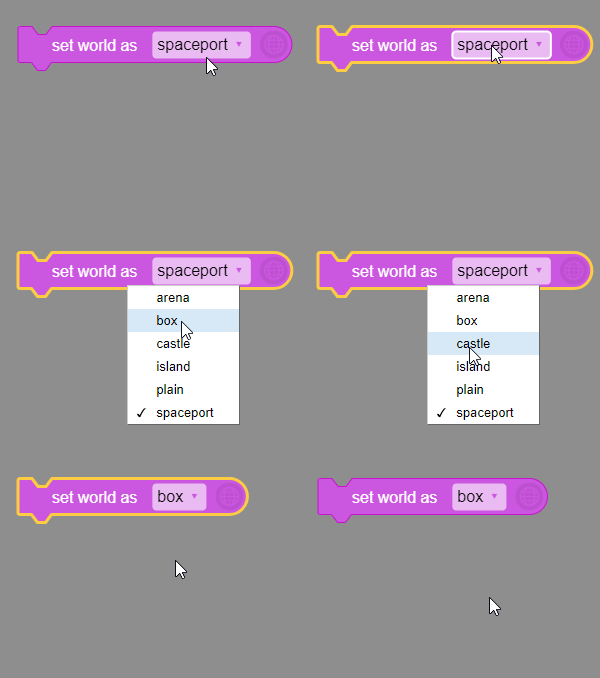
5. Select your own world in "set world as [?]" block.