Add Sound
1. Step 1: click the "+" on the top right.

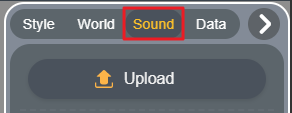
2. Step 2: click "Sound".
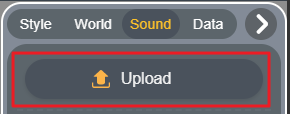
3. Step 3: click "Upload" to add sound materials from local.
4. Edit Sound.

Click the play button to listen to the sound;
Click the edit button to edit the added sound, such as adjusting the volume;
Click the "×" to delete unneeded sound.