Events
1. when player's position changed

When the position of the player (sprite Codemao or Dan controlled by you) changed, run the following script.
Please note: if the player stands still, this block will not be triggered and the following codes will not be run.
Player's position can be decimals. It means that only when the integer part of player's position [X, Y, Z] has changed will this block be triggered. For example, this block will not be triggered if the player's position changes from [1.2, 0, 0] to [1.9, 0, 0], but it would be triggered if the position changes to [2, 0, 0].
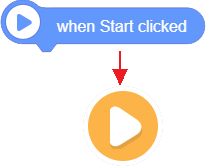
2. when Start clicked

- It is the beginning of all script. "Start" is the yellow and white button on bottom right. When you click it and enter the game, the system will run the script below "when Start clicked" block.
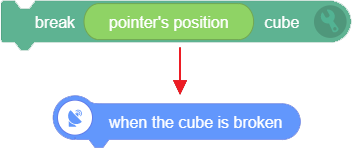
3. when the cube is broken

- It can be used with "break [pointer's position] cube" block, which will trigger this block. When all cubes or certain cubes are broken, run the following script.
4. when key [a] [pressed]

- When the specified key is [pressed/released], this block will be triggered and run the following script. If you keep pressing the key, this block will be triggered all the time.
| Status | Pressed or released |
|---|---|
| Key | 25 English letters (except key Q), number key 0-9, key up/down/left/right, space bar, Enter key, any key |
5. when screen [clicked]
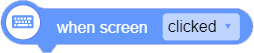
- This block is mobile-friendly. When you tap the screen, run the following script. If you want to play the game on mobile, it can be used to replace blocks for computer terminal like "when [left] mouse [pressed]".
6. when button [A] tapped

- This block is mobile-friendly. When you tap button [A/B/C] on mobile, run the following script. When you play the game on mobile, it can be used to replace blocks for computer terminal like "when [left] mouse [pressed]".
7. when [left] mouse [pressed]

- When [left/right] mouse is [pressed/released], run the following script.
8. when I receive ["Hi"]

- It has to be used with "broadcast [ ]" block. You can enter broadcast name in the oval frame to indentify this broadcast. It can be used across sprites.
9. broadcast ["Hi"]

Broadcast the input text and tell the blocks that received this broadcast to run certain script. This block has to be used with "when I receive [ ]" block.
When run "broadcast ["Hi"]" block, the process is divided into two parts. One part is to run the script below "broadcast ["Hi"]" block, and the other part is to run the script below "when I receive ["Hi"]" block. Using broadcast, you can run different script at the same time. But please note that the name of the broadcast in "broadcast ["Hi"]" block and "when I receive ["Hi"]" block should be the same.
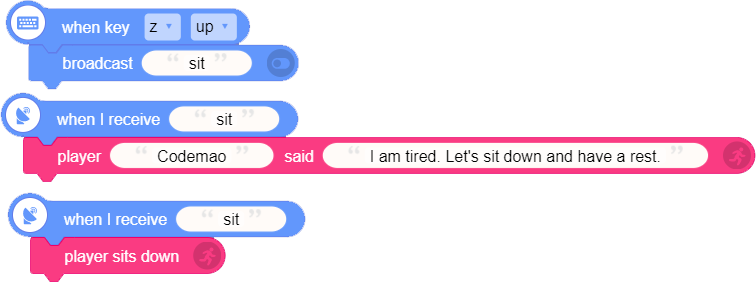
For example:
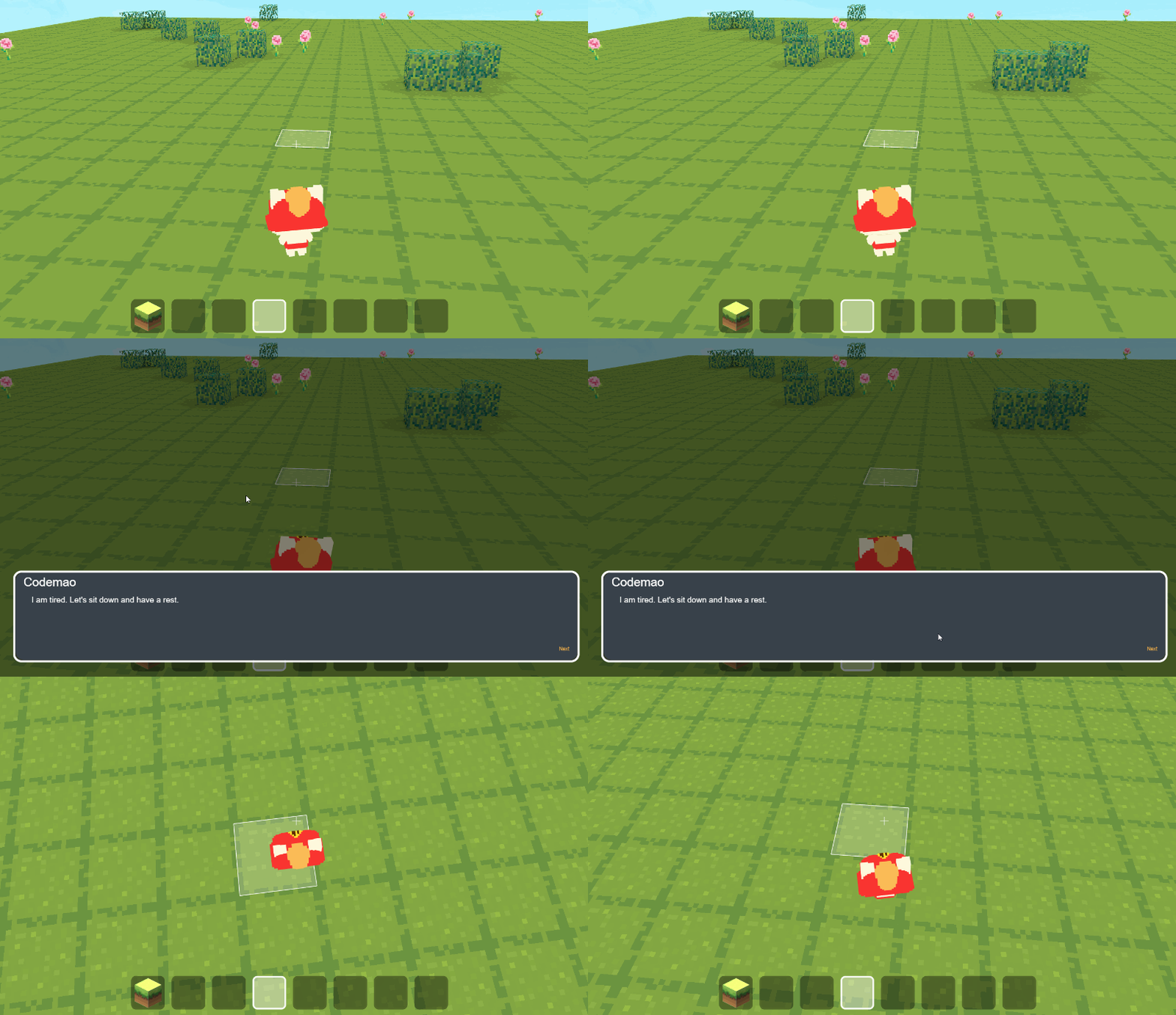
See blocks below. When you release key Z, broadcast "sit". When the block receives broadcast "sit", sprite Codemao will say "I am tired. Let's sit down and have a rest." while it sits down. Two actions will be preformed at the same time.
10. Stop

- Stop all the running blocks. Player cannot move, and no script will be run. You need to press ESC key to return to Editor and start again.